Incoming, translated in place
Each message gets its translation right underneath, inside the chat you already use. Translate any single message again from its hover button.
Translate · Both · ZH→EN
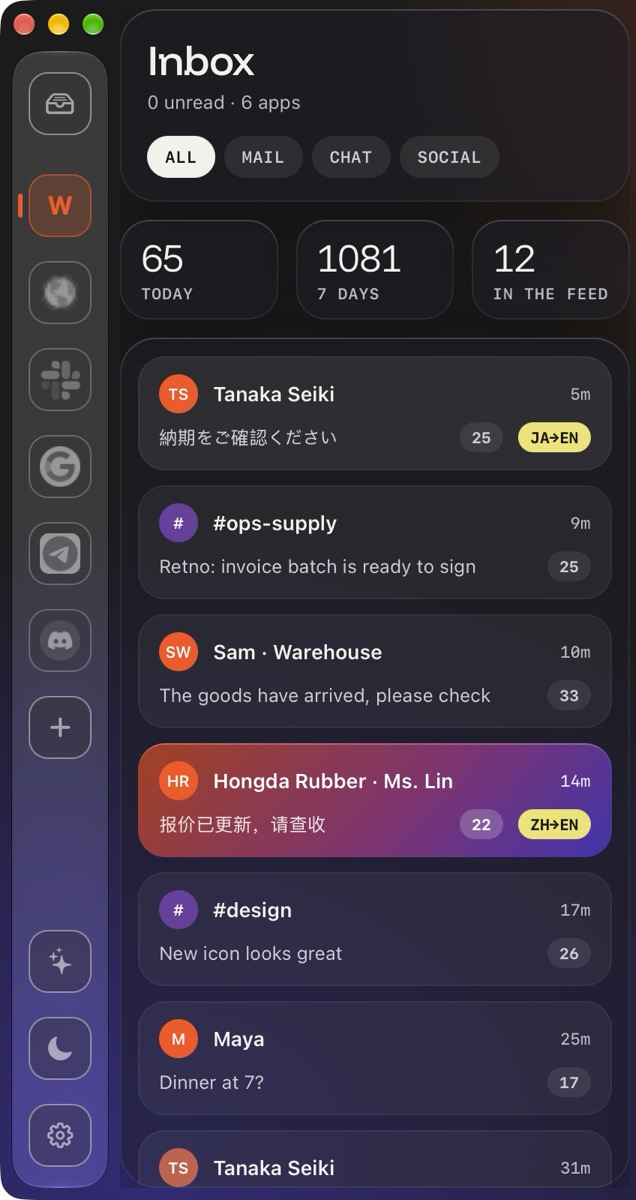
WhatsApp, Gmail, Slack, Telegram, Discord and any web app in one fast, native Mac window, with your inbox right beside the chat. Read every message in your language and reply in theirs.
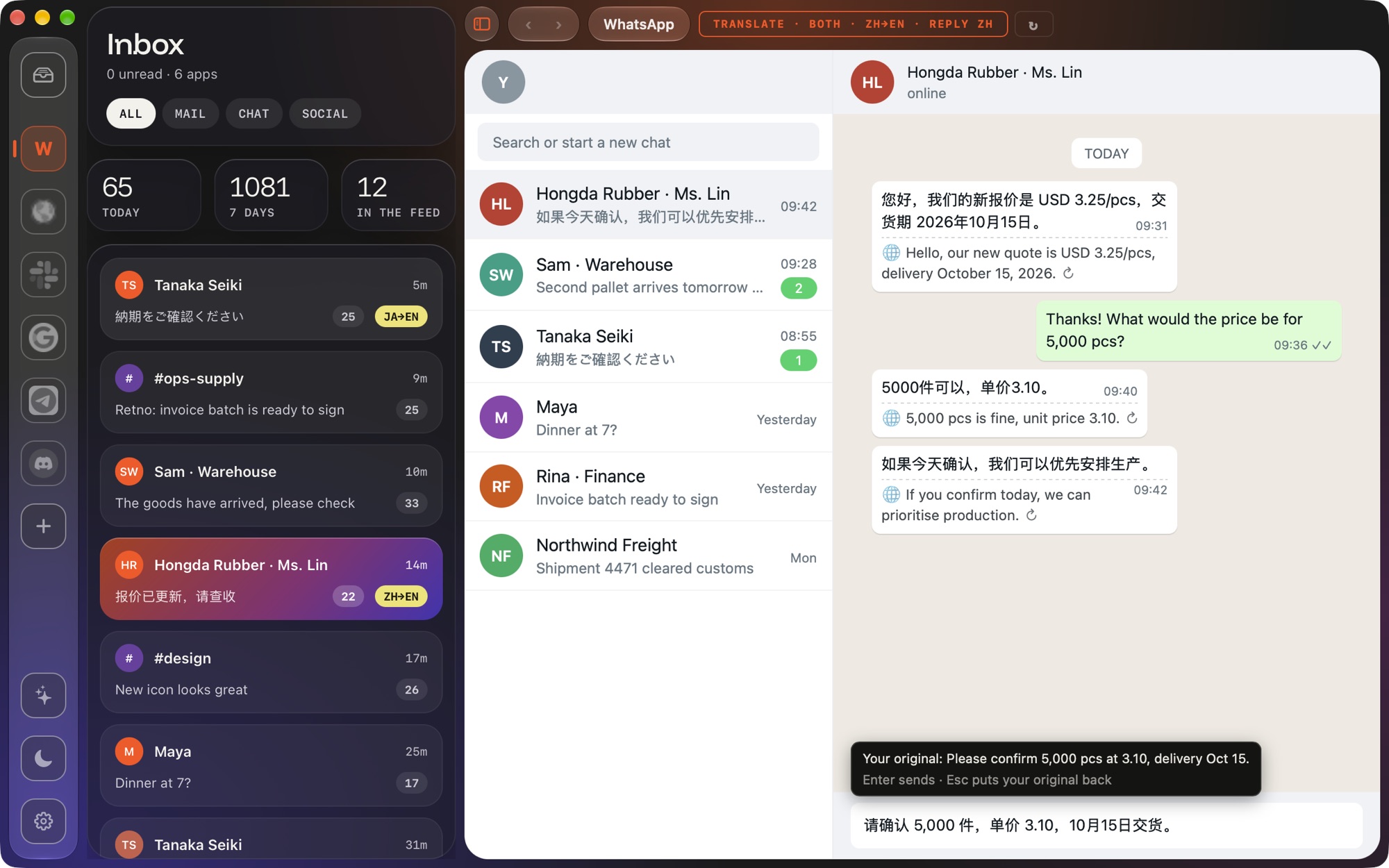
Turn translation on for a whole app with one click, or for a single chat with a right-click. Language rules handle the rest, like always translating Japanese chats.
Each message gets its translation right underneath, inside the chat you already use. Translate any single message again from its hover button.
Translate · Both · ZH→ENWrite in your own language and press Option-Enter. The draft turns into their language, with your original shown above it. Enter sends; Esc puts your text back.
Two WhatsApp numbers, or work and personal Gmail, side by side. Every key keeps its own isolated login.
The feed in a column next to the app you have open. ⌘S hides it; it folds away on small windows.
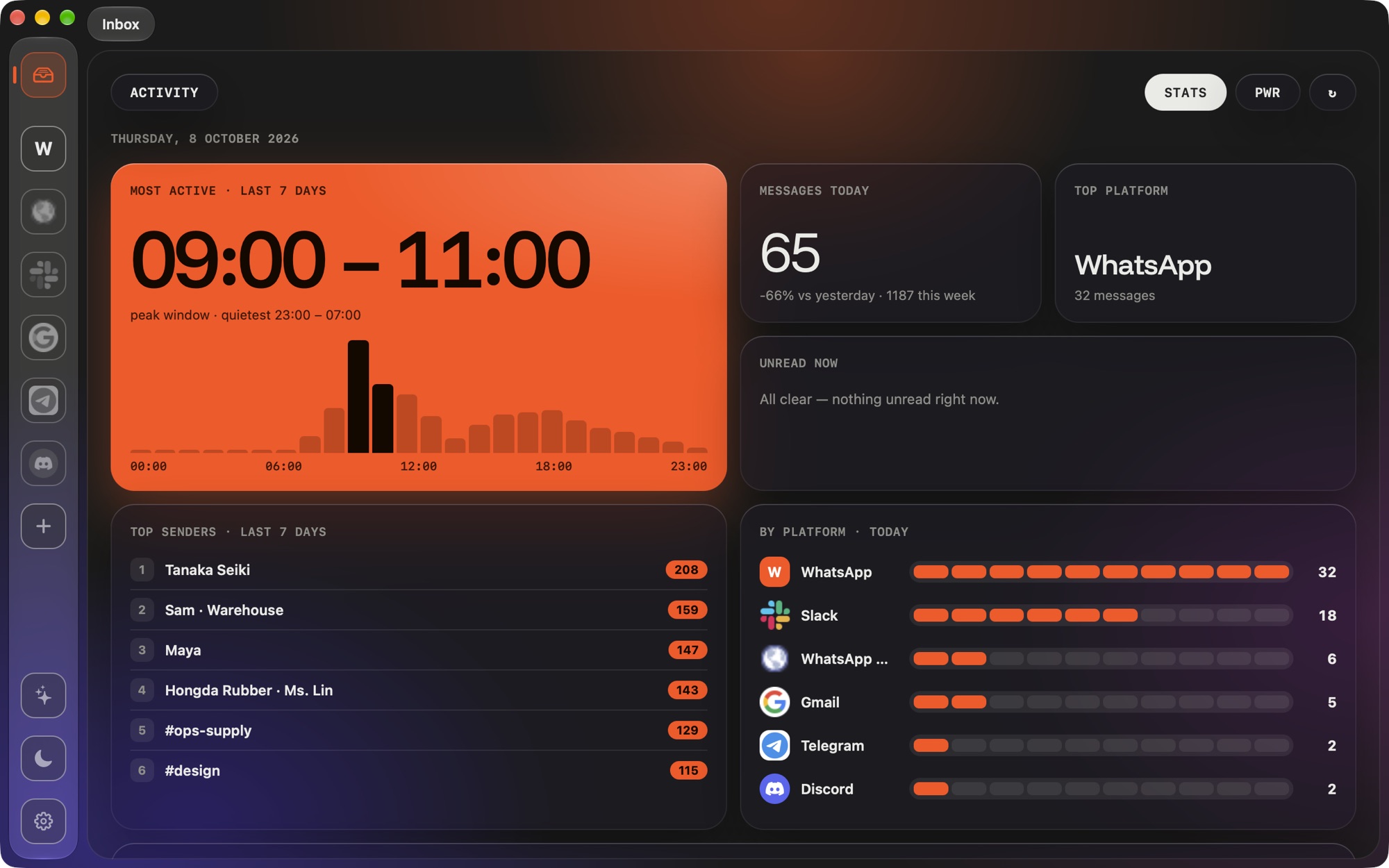
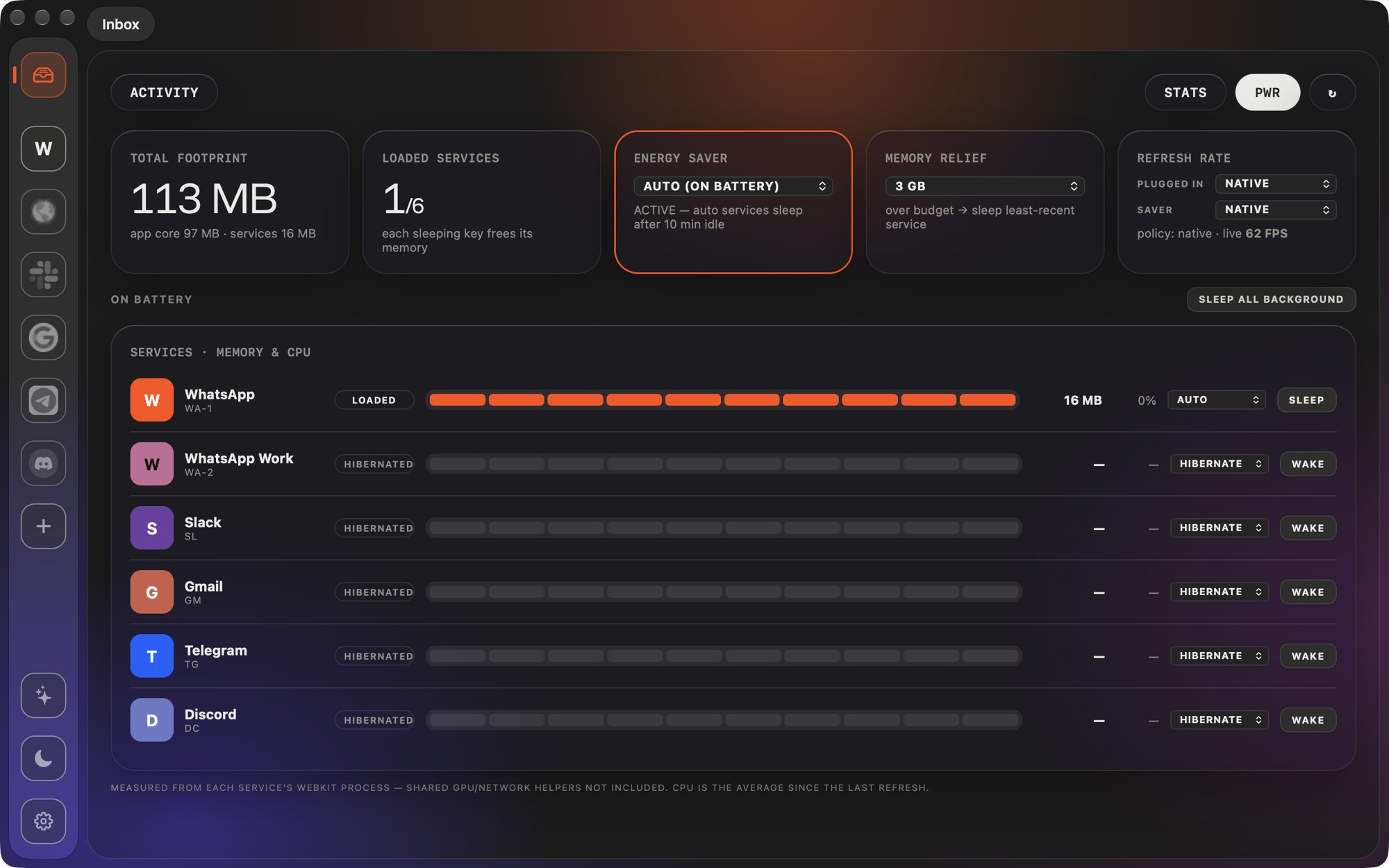
Services sleep on battery, a refresh-rate limiter calms busy pages, and the power panel shows what each one costs.
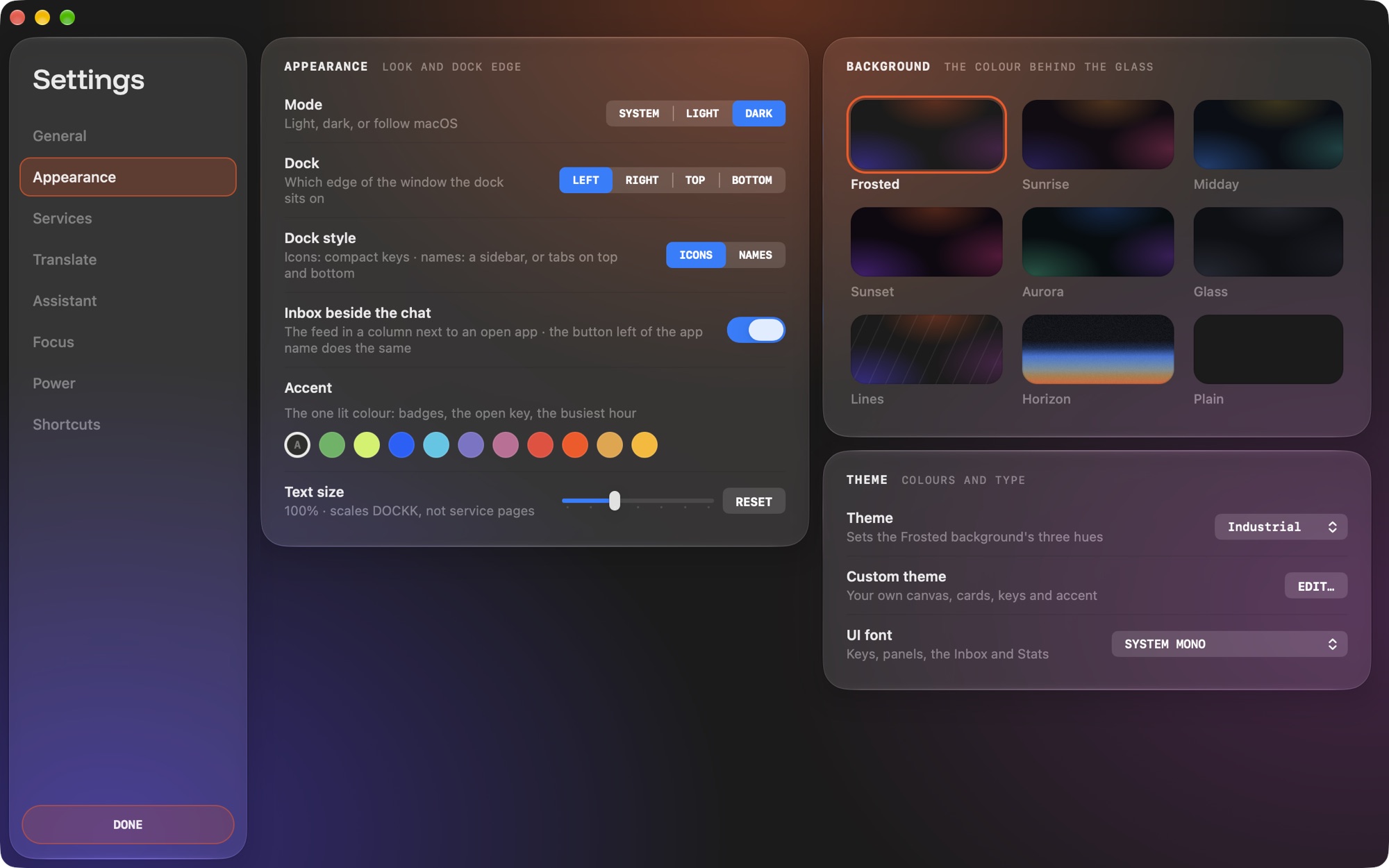
Icons along the bottom, or names down the side. Put the dock wherever your eyes already are.
Change or turn off quick search and the inbox shortcut. Zoom each app in 10% steps; DOCKK remembers.
No analytics, no tracking. Your chats go straight from your Mac to each service, like a browser.
Every install starts with a 3-day trial of everything. After that, three services stay free for good, and Pro removes the limit.
a month. Cancel any time.
a year. Under $1.70 a month.
once. Keep Pro for good.
Yes, for up to three services, for good. Every install also starts with a 3-day trial of everything. DOCKK Pro unlocks unlimited services.
Anything with a web version: WhatsApp, Gmail, Telegram, Slack, Discord, Instagram, Messenger, X, and any site you add by address, including tools on your own network.
Translation is off until you turn it on. On this Mac or your own server, the text never leaves your machines. With a cloud engine, only the messages you choose to translate go to that provider, using your own key, and DOCKK asks before the first one is sent. Octolabo never receives any of it.
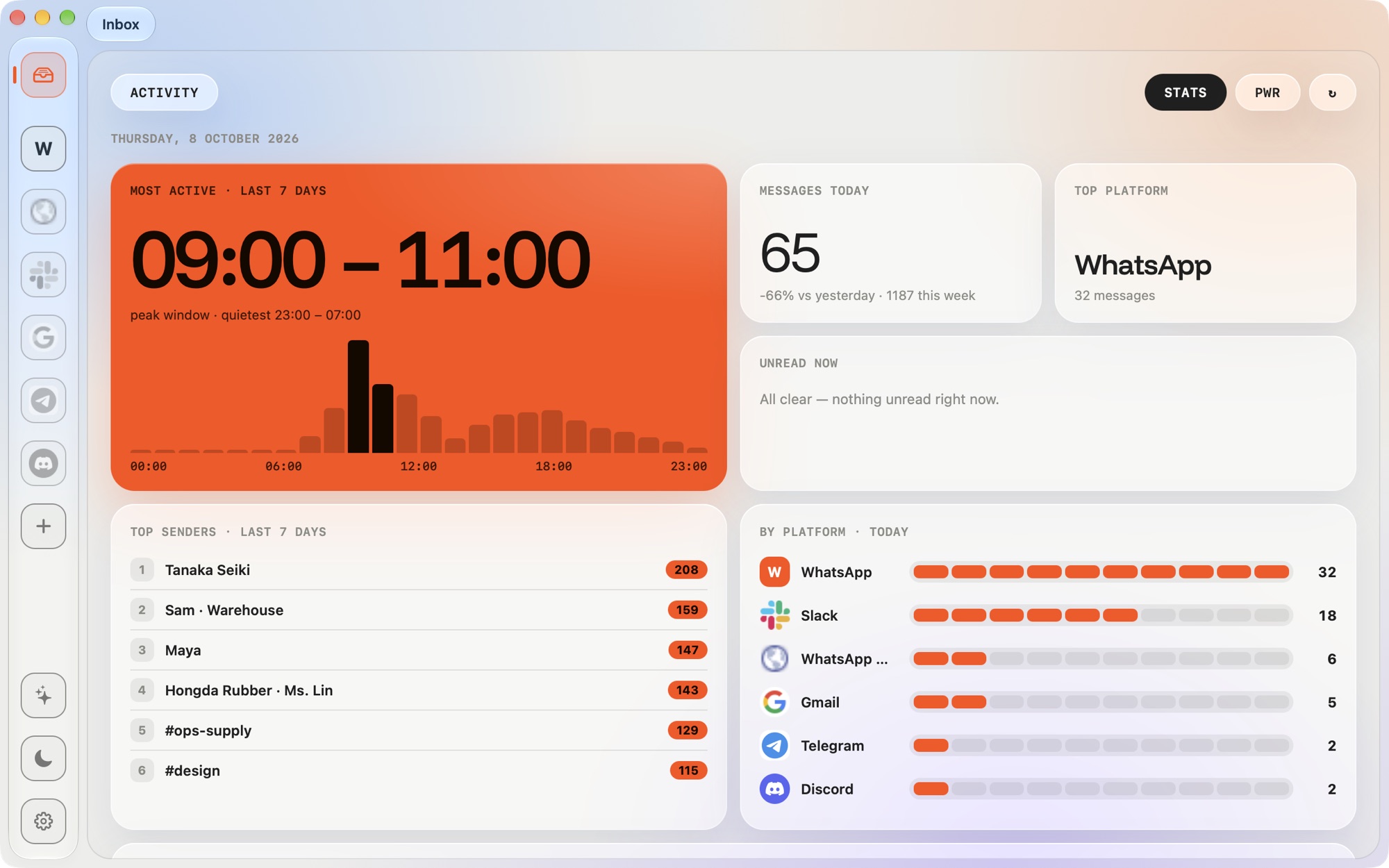
No. Your traffic goes straight from your Mac to each service, exactly like a browser. DOCKK has no servers, no accounts and no analytics. Statistics are worked out on your Mac from notifications.
It's built not to. Services sleep on battery, a refresh-rate limiter calms busy pages, and the power panel shows what each service costs so you can act on it.
Tell us what happened, your macOS version, and what you expected to see.
Email DOCKK support